
Compatibility
Minecraft: Java Edition
Platforms
Supported environments


Tags
Creators
Details
Licensed ARR
Published 4 days ago
Updated 21 hours ago
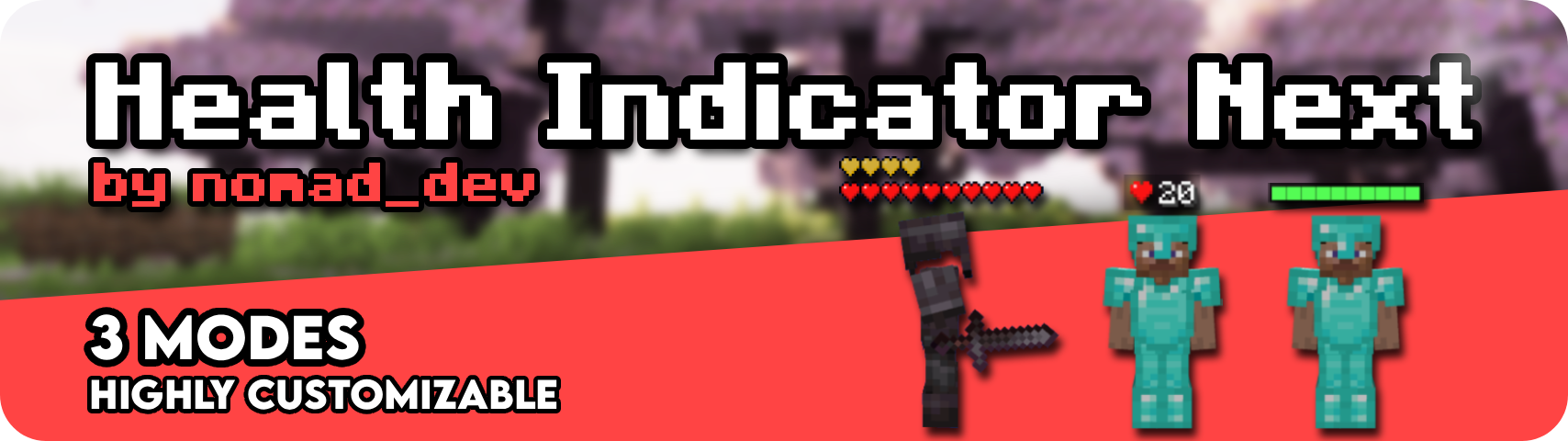
Health Indicator Next is a client mod that shows configurable health and armor indicators above living entities. Health and armor can be enabled independently.
Modes:
- Icons: Vanilla Heart & Armor icon rows
- Numeric: HUD style icon + value or Numbers (
20/20) - Bar: HP / Armor bars with optional labels, segmentation, and background

Colors & Effects
- Custom colors for health text, armor text, bar fills, bar backgrounds, and numeric backgrounds
- Separate colors for poison, wither, freezing, absorption, and low HP flash
- Low HP flash threshold, critical shake threshold, blink speed, glow padding, and shake intensity
- Optional low HP effects on heart icons (bar and numeric support their own low HP feedback)
- And much more!
Visual Customization
- Shared indicator size, vertical offset, and row spacing between health and armor
- Per mode tuning for icon scale/spacing, bar width/height/scale, and numeric scale/background scale
- Optional empty icons, HP/armor labels, segmented bars, and numeric backgrounds
- Cap visible hearts on high HP entities, with a
+Nlabel for hidden hearts - Choose numeric style: HUD style icons with a value, or
current/maxvalues - Optional float values for more precise HP readouts
Features
- Health and armor indicators with a shared mode, size, and vertical layout
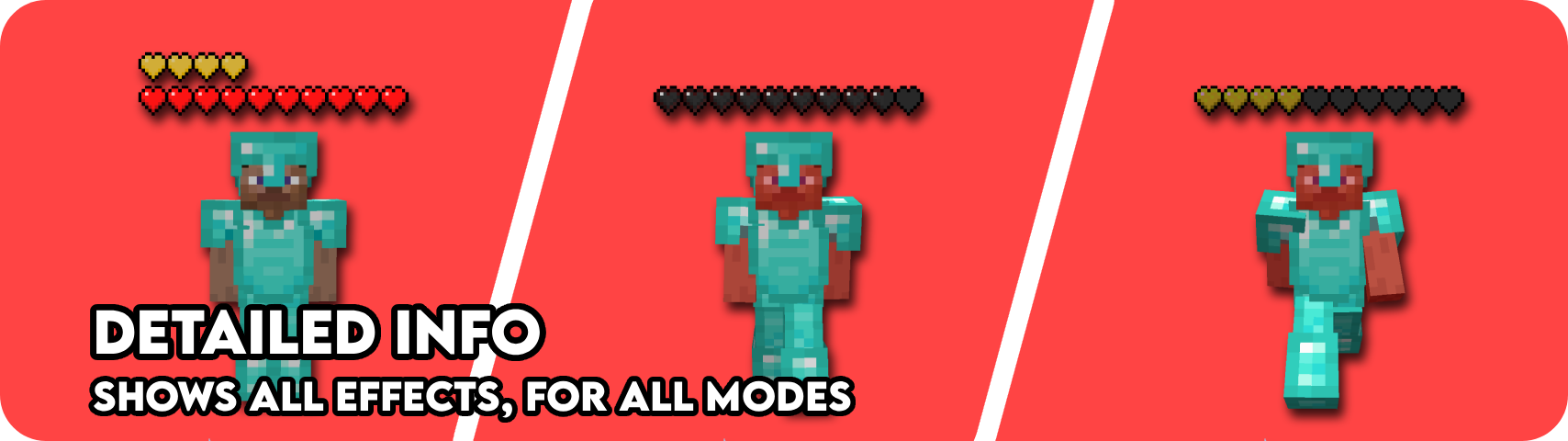
- Absorption support, including an optional separate absorption row
- Status aware visuals: poison, wither, freezing, regeneration bounce, and hardcore heart icons
- Low HP flash and shake when targets gets VERY low in hp
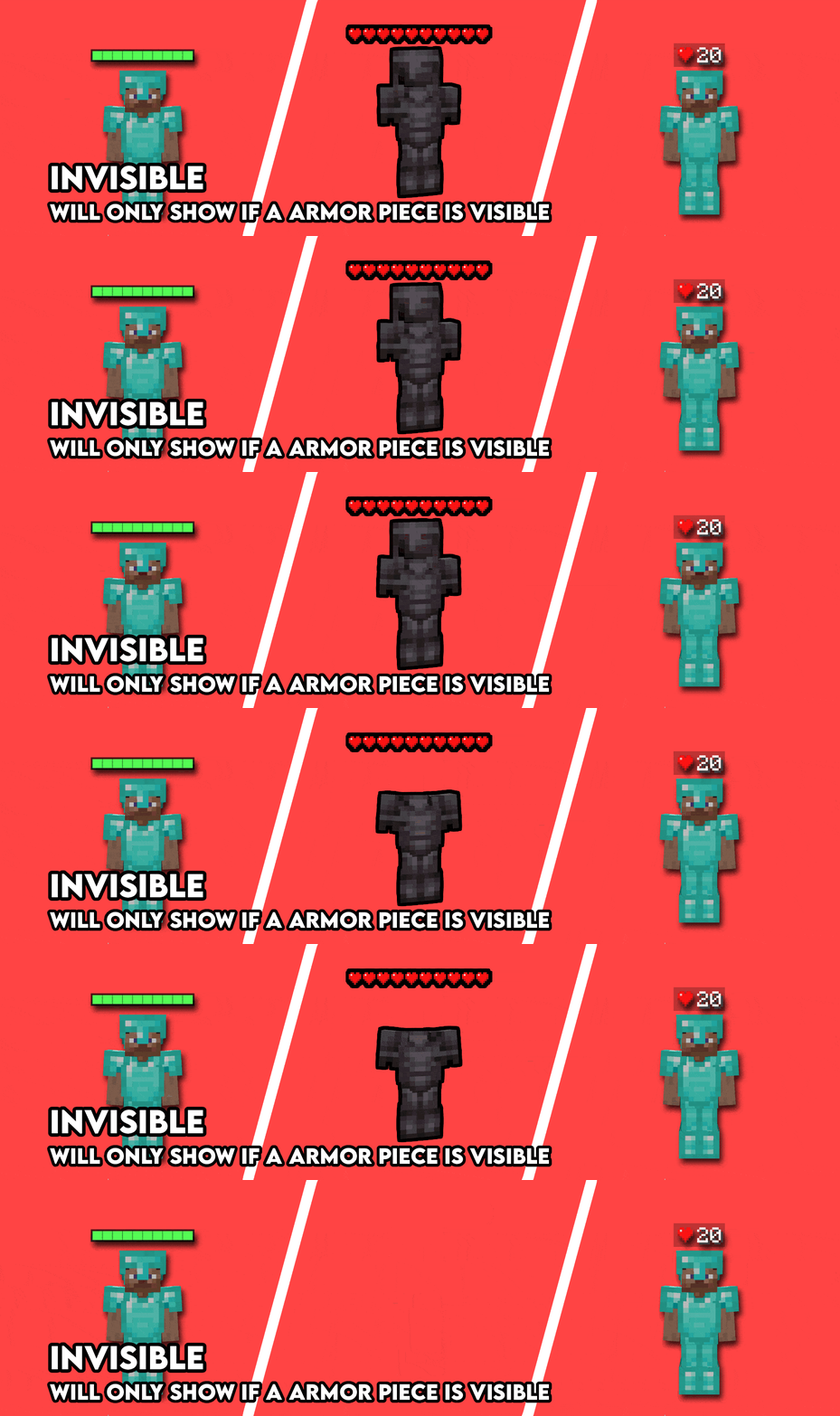
- Invisible entities stay hidden unless they are wearing armor
- Display filters: only when damaged, recently damaged, attacked by you, or when looking at an entity
- Toggles for yourself, other players, hostile mobs, and passive mobs
- Max render distance, nametag hiding
- Entity type and player name blacklists
When Indicators Appear
- Show or hide health/armor for yourself, other players, hostile mobs, and passive mobs
- Only when damaged, recently damaged, attacked by you, or when looking at a target
- Invisible entities are skipped unless they have armor equipped
- Adjustable looking at grace and combat memory timers
- Max render distance, plus entity type and player name blacklists
Keybinds
- Toggle Health Indicator:
H - Toggle Armor Indicator:
J - Toggle Nametags: Unbound
- Move Indicators Up:
Page Up - Move Indicators Down:
Page Down - Cycle Indicator Mode: Unbound
- Open Mod Settings:
I
Note: These are all just the default keybinds. They can be modified by going into Options > Controls > Keybinds or by going to the Mod settings Key binds page.